This page lists the changes in CYPEX v2.0.0 that alter the default
behavior of the platform without breaking existing integrations. You
should be aware of these changes, but they typically do not require
action.
1. Default password policy now enforced
A new row is inserted into cypex.t_config with key password_policy and
value:
v2.0.0 lets three elements draw on a governed external API connector
instead of a database query:
Element
What the connector supplies
Table
The rows the table renders
Form
The record the form reads, and the payload it writes on submit
Autocomplete
The dropdown’s options
Same canvas, same elements — a different source of data.
Before you start
A connector must exist and be published before it appears in the designer.
Connectors are built and governed on the admin side — allowlist, credentials,
definition, then execution enablement. If the picker says
“No published connectors are available for this app”, the work is in the
admin panel, not the designer. See
Connectors and the
Connectors setup guide.
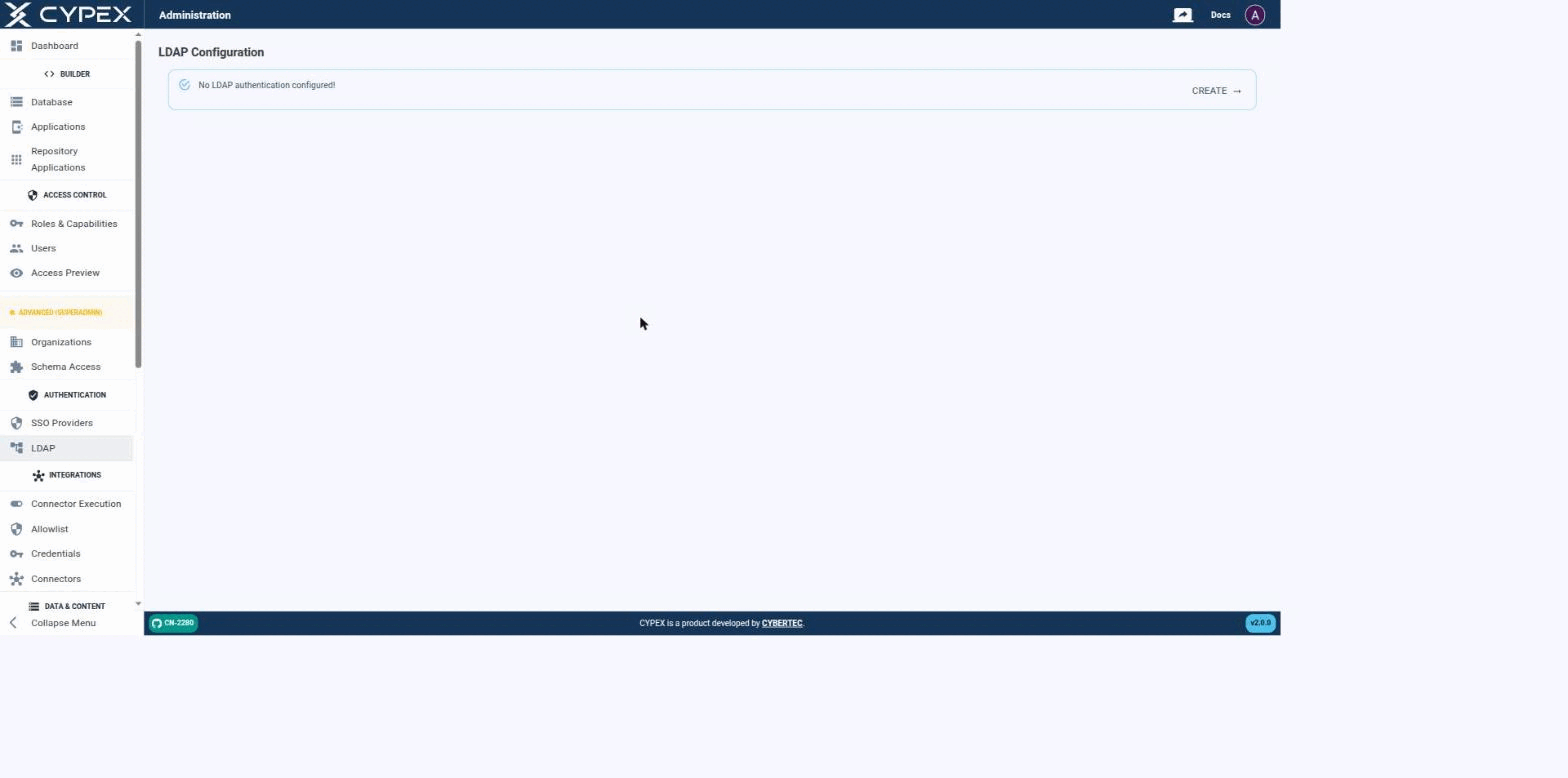
CYPEX authenticates users against an LDAP directory as an alternative to local (integrated) accounts — the same mechanism that backs Microsoft Active Directory, OpenLDAP, and any other LDAP v3 server. Before a connection is configured, the page simply confirms that no LDAP authentication is set up yet:
No LDAP authentication configured
Click CREATE to start the connection form.
Connecting to your directory
Fill out the connection settings to establish a connection between CYPEX and your directory:
An Organization sits at the centre of two independent mappings, not at the end
of a chain. One mapping says which roles belong to the organization; the
other says which schemas it may use. Both point at
cypex.t_organization, and neither knows about the other:
A user sees a row only when both mappings agree: their role is mapped to the
organization, and the schema holding the object is granted to that same
organization. Satisfying one without the other produces an empty result, not a
partial one.
In CYPEX, an Organization is the unit of multi-tenancy. Isolation is
enforced in PostgreSQL by Row-Level Security policies that read the request
JWT, not by filters in application code. Application traffic — the generated
UI, PostgREST API clients, and the backend’s end-user request path — is
subject to the same policies, so reaching the database through a different
client does not widen what a user can see.
Organizations are not an authorization system on their own. They add a
per-request data scope on top of the PostgreSQL role grants that decide
what a user may do.
This page lists the purely additive changes in CYPEX v2.0.0. These do
not modify the behavior of existing functionality — they add new tables,
functions, indexes, and roles that integrate with the Organizations model.
1. New tables
cypex.t_organization
The central tenant table. Created by the v2.0.0 upgrade with one row already
inserted: the Default Organization (organization_domain = 'default').
The CYPEX administration panel gives operators a single place to administer and manage CYPEX as a whole. v2.0.0 reorganizes it around how operators actually set up and run a multi-tenant deployment. This section is the navigation map for that information architecture: each entry below links to a topic-scoped page documenting the corresponding admin screen.
Sidebar reference
The table below is the authoritative list of sidebar labels and who sees each one. Labels are the strings the product renders — use them verbatim in procedures.
Every SSO identity CYPEX has ever seen sits in sso_gateway.t_sso_user_map in exactly one of three states (sso_gateway.user_map_status): pending, active, or rejected. This page documents the full lifecycle — what moves a row between states, what each transition writes to the audit trail, and where to find evidence of a governance decision. For adding a provider and the first successful sign-in, see the OIDC setup guide.
States
State
Meaning
What a repeat login does
Pending
IdP authentication succeeded, but no t_sso_role_mapping rule matched and (if Auto-link by email is off, the default) no admin has reviewed it yet. cypex_user_id and cypex_role are both NULL.
Refreshes the captured profile in place, stays pending. The exchange returns 403 pending_approval — “Your account is pending administrator approval.”
Active
An admin approved or linked the identity, or a role mapping matched automatically. cypex_user_id and cypex_role are set.
Signs in normally; mints an access/refresh token pair like any other login.
Rejected
An admin explicitly rejected the identity. The row is kept (not deleted) — rejected_at, rejected_by, and an optional rejection_reason (≤200 characters) are recorded.
Blocked. The exchange returns 403 user_rejected — a deliberately generic “This SSO identity has been blocked. Contact your administrator.” The real reason and who rejected it never reach the browser; they’re in the audit trail only.
Users → Pending SSO and Users → Rejected SSO are the two admin-facing queues for the states above:
Every save in the Application Designer creates a save point — a recoverable
prior state of the application. v2.0.0 makes saving cheaper to do and easier to
read back.
Quick save — Ctrl+S
Press Ctrl+S (Cmd+S on macOS) anywhere in the editor to save
immediately. No dialog opens. A Saved confirmation appears when it
succeeds; if it fails, the error appears in its place.
After running the client-assignment migration,
walk through the verification queries on this page. If verification
fails, follow the rollback procedure.