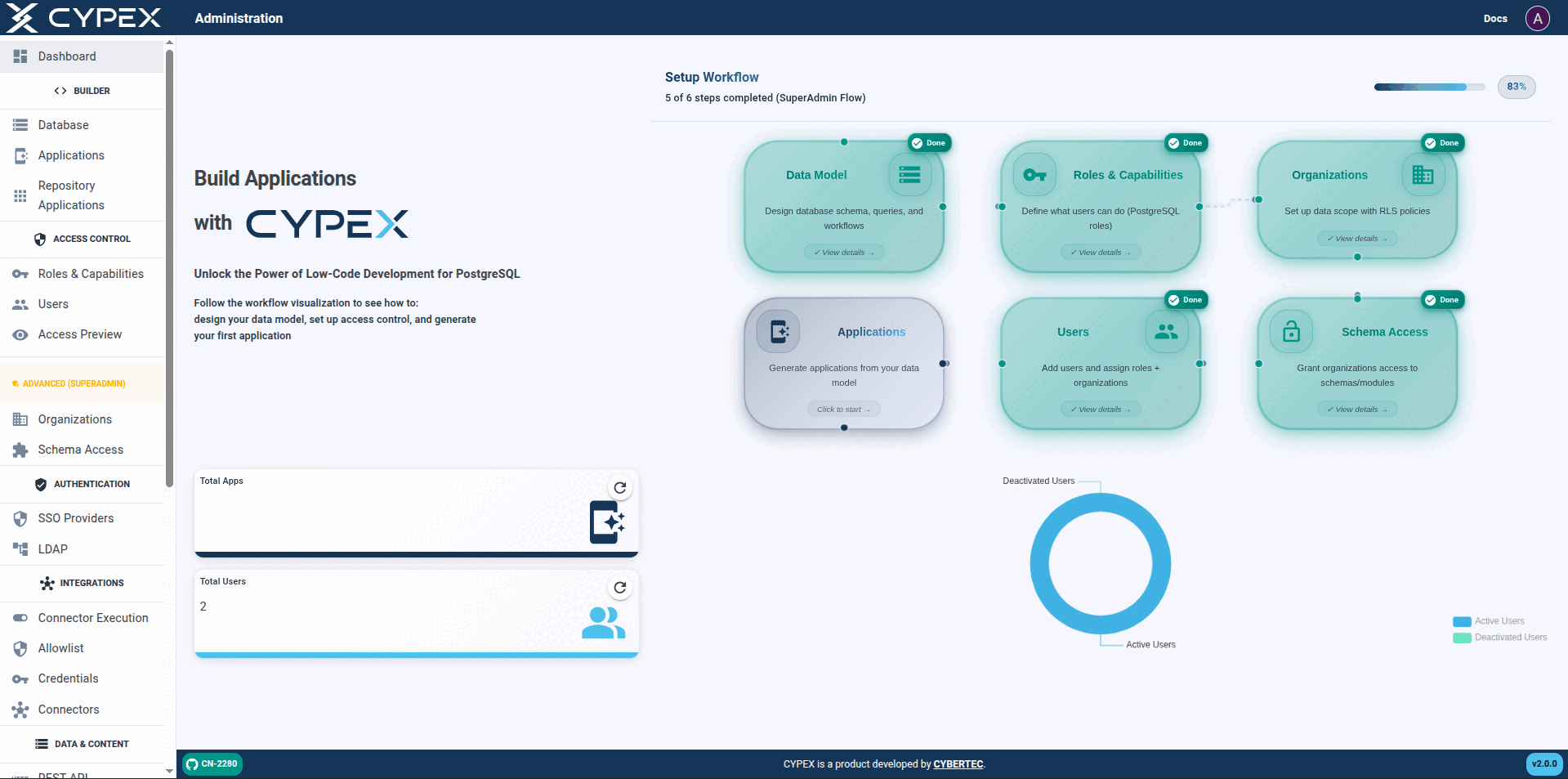
| Access Preview | The admin tool that resolves Capability and Data Scope together for a given role and organization, listing the apps, queries, functions, and state transitions actually reachable. Full reference: Access Preview |
| Access token / Refresh token | The pair that bounds a v2.0.0 session. The access token is a short-lived JWT (15 minutes by default) carrying the tenancy and authorization claims RLS reads. The refresh token is longer-lived, cookie-only, and never readable by application code; each renewal re-checks the user in the database, so disabling a user ends the session at the next refresh rather than at token expiry. Full reference: Sessions and tokens |
| Application / Application Designer | An Application is a deployable CYPEX app generated from the data model (sidebar: Builder → Applications). The Application Designer is where you configure pages, menus, and elements bound to queries and workflows. Full reference: Application Designer |
| Capability | What a user is allowed to do — SELECT, INSERT, UPDATE, DELETE, EXECUTE — defined by PostgreSQL role grants, as opposed to Data Scope (which rows). Capabilities are granted on queries (views), not base tables. The JWT isSuperAdmin / isOrganizationAdmin flags do not grant capabilities; they are read by RLS policies and belong to Data Scope. The admin-panel menu label is Roles & Capabilities. Full reference: Capabilities vs Data Scope |
| Connector | A governed, server-side definition for calling a third-party REST API and mapping its response into a typed shape a CYPEX application can render. Lives under admin Integrations (enablement, allowlist, credentials, definitions). Gated by enablement, an outbound host allowlist, and org-scoped credentials; every execution is audited in the shared permission audit log. Connector definitions and credentials are RLS-protected by Organization but deliberately not exposed through PostgREST. Full reference: Connectors |
| Custom expression | A JavaScript expression stored in an element's configuration, written with the @@expression: prefix and evaluated against application state to make a property dynamic — visibility, disabled state, computed labels, row highlighting. Expressions are evaluated client-side and are not a substitute for a permission check. Full reference: Expressions |
| Data Scope | Which rows a user is allowed to see or change, as opposed to Capability (what operations they're allowed to perform). Scope comes from the role→organization mappings in t_role_organization and is enforced by Row-Level Security — not from the role name alone. The admin-panel sidebar label is Organizations (under Access Control); some docs also say Organizations & Data Scope for the same dimension. Full reference: Capabilities vs Data Scope |
| Default Organization | The organization created automatically when upgrading from v1.9.x (organization_domain = 'default'). The upgrade maps every pre-existing module and every cypex_user / cypex_admin member role to it, and creates a cypex_default virtual module as its primary, so existing single-tenant data stays visible without a backfill. Full reference: Upgrade to v2.0.0 |
| Element / Element type | The unit of composition in the Application Designer. An element type is a reusable building block (table, form, chart, file upload, GeoJSON viewer, action button); an element is one configured instance of a type placed on a page and bound to a query field. Element types are selected automatically when a default application is generated, based on the column's PostgreSQL data type. Full reference: Application Designer |
| Entity | In the Model Builder (Builder → Database), an entity is a table (or relation) shown in the Entities panel and on the ER canvas. Generating a default query, defining a workflow, or enabling auditing starts from an entity. Full reference: Database (Model Builder) |
| External API | A third-party REST API outside CYPEX's own database — what a Connector under Integrations calls. Distinct from CYPEX's generated data API (PostgREST), browsed in the admin panel as REST API. Release notes may call the feature area the "Governed External API Connector Platform"; day-to-day copy uses Connectors / Integrations. Full reference: Connectors |
| Identifying column | The single column a query uses to address one row — the basis for form binding, sub-form navigation, page links, and chart drill-down. Chosen from the primary key when a default query is generated, falling back to a UNIQUE index on a NOT NULL column. Must be a single column: composite keys cannot identify a row in CYPEX. Full reference: Terminology |
| IdP (Identity Provider) | The external system (Google, Microsoft Entra, Auth0, Keycloak, JumpCloud, …) that authenticates the end user on CYPEX's behalf before handing back the identity claims the SSO Gateway consumes. Full reference: SSO |
| JWT claims | Tenancy and authorization claims on the CYPEX access token that RLS helpers read: org_id (active organization), organization_ids (all accessible organizations), isSuperAdmin, and isOrganizationAdmin. Full reference: What is an Organization? |
| LDAP | Directory authentication (Active Directory, OpenLDAP, or any LDAP v3 server) configured under admin Authentication → LDAP. Coexists with local login and OIDC SSO; role mapping is configured separately from SSO Providers. Full reference: LDAP |
| Module (deprecated) | Legacy synonym for Schema — see the deprecation note above. Still appears in database identifiers (t_module.schema_name, t_module_organization) and route paths that predate the v2.0.0 relabeling; do not use it in new prose. |
| OIDC (OpenID Connect) | The identity protocol the SSO Gateway uses for federated login. The admin UI offers five provider types: Generic OIDC, Generic OAuth2, Google, Microsoft, and GitHub. Other IdPs (Keycloak, Auth0, JumpCloud, Entra via discovery, …) use Generic OIDC; Google, Microsoft, and GitHub have dedicated gateway strategies. A successful sign-in does not by itself grant CYPEX access — see SSO user lifecycle (pending / active / rejected). Full reference: OIDC setup guide; lifecycle: Pending and rejected users |
| Organization | The unit of multi-tenancy in CYPEX: the data boundary that decides which rows a user can see, insert, update, or delete, enforced by PostgreSQL Row-Level Security keyed on JWT organization claims. An Organization is not an authorization system on its own — see Capability and Data Scope below. Full reference: What is an Organization? |
| Permission audit / Connector Audit | Governance evidence for permission, role, organization, and connector decisions in cypex_log.t_permission_audit_log. Connector Audit (Monitor & Audit) is that same log filtered to connector EXECUTE_* outcomes — not a separate audit system. Distinct from Table Audit History (cypex.t_history) and User Audit Trail. Full reference: Governance evidence; Connector Audit |
| PostgREST / Data API (REST API) | CYPEX exposes queries (views) as a generated REST API via PostgREST, with JWT auth and RLS. In the admin panel the explorer is labeled REST API (Data & Content). Sibling to Connectors: this API serves your database; Connectors call external APIs. Full reference: REST API |
| Query / View | In CYPEX, a query is stored as a PostgreSQL view. Queries are the abstraction layer applications and the Data API bind to; default queries are generated per entity in the Model Builder. Full reference: Database (Model Builder) |
| Row-Level Security (RLS) | PostgreSQL feature that filters which rows a session can see or change. In CYPEX, RLS policies use JWT claims (org_id, organization_ids, admin flags) so Organization membership becomes the data boundary. Full reference: What is an Organization? |
| Role type | The classification chosen when a role is created, new in v2.0.0: System Administrator (system_administrator) reaches every organization; Organization Administrator (organization_administrator) reaches only its mapped organizations; Organization Member (organization_member, the default) is confined to its active organization. The two organization types require at least one organization assignment — a rule enforced on the API path, not by a database constraint.No role type bypasses RLS. Administrative reach is written into the policies themselves as cypex.is_admin() and cypex.is_organization_admin() clauses, which read the JWT. Every access, administrative included, is still decided by a policy in the PostgreSQL engine — no CYPEX role carries the PostgreSQL BYPASSRLS attribute. API note. The name roleType carries two unrelated meanings in the CYPEX API. On role creation and organization-mapping requests it is the classification above (system_administrator / organization_administrator / organization_member). On the role list endpoint it is a list filter with the values system and user-defined, which distinguishes CYPEX's own roles from ones you created and says nothing about administrative reach. Full reference: Roles & Capabilities |
| Schema Access | The admin control that decides which schemas (modules) an organization may use — the coarsest of the three access controls, sitting above Capability and Data Scope. An organization with no grant sees nothing in that schema regardless of role or RLS policy. System Administrator only. Full reference: Schema Access |
| Schema | A PostgreSQL namespace grouping tables, views, and functions. In the CYPEX admin panel, granting a Schema to an Organization is done on the Schema Access page (new in v2.0.0 — see Module above for the deprecated synonym). Full reference: Schema Access |
| SSO Gateway | The standalone service introduced in v2.0.0 that handles federated login, with its own sso_gateway PostgreSQL schema and its own key-encryption key (.sso_kek). It requires Redis and refuses to start without its key material. Providers are configured per organization, not globally. Full reference: SSO |
| SSO user lifecycle | Every federated identity in sso_gateway.t_sso_user_map is pending, active, or rejected. Pending identities need admin approve/link (or a matching role-mapping / auto-link rule); rejected identities stay blocked until un-rejected. Full reference: Pending and rejected users |
| SSO (Single Sign-On) | Federated login to an external identity provider, handled by CYPEX's standalone SSO Gateway microservice. SSO sits alongside local username/password login and LDAP rather than replacing them; each Organization can enable one or more providers independently. Full reference: SSO |
| State column | The single column on an entity that holds its workflow state. An entity has either no state column or exactly one — combined or multiple state columns are not supported. The column must be text-like or identifier-like (text and variants, uuid, the integer family, numeric, or a user-defined type such as an enum); boolean, date and time, JSON, geometric, and interval columns are rejected. Full reference: Workflows & State Transitions |
| System roles | The PostgreSQL roles CYPEX installs and relies on. authenticator is the low-privilege login role PostgREST connects as, switching into a request's role per JWT. anon is the role for unauthenticated requests. cypex_user and cypex_admin are the template roles application and administrative roles inherit from. organization_admin inherits cypex_admin and is the basis of the Organization Administrator role type. These are visible in Roles & Capabilities but should not be edited directly. Full reference: Roles & Capabilities |
| Table Audit History | Row-level change history for a tracked table, written by a trigger into cypex.t_history: the operation, the before and after row images as JSONB, the timestamp, and the PostgreSQL user that made the change. Because the trigger fires in the database, changes made outside CYPEX are recorded too. Enabled per entity in the Model Builder; the admin-panel page is Monitor & Audit → Table Audit History. Distinct from the Permission audit log and the User Audit Trail. Full reference: History tracking |
| Workflow / State transition | A CYPEX state machine on an entity: named states on a state column, and the transitions permitted between them (for example draft → review → published). A workflow can be enforced, in which case CYPEX writes a CHECK constraint for the valid states and a row trigger for the valid transitions, so invalid changes are rejected regardless of the client. Each transition can carry an ACL of PostgreSQL roles, a pre-function that decides the resulting state, a post-function for side effects, and a validity period. Access Preview lists which transitions a role can fire in a given organization. Full reference: Workflows & State Transitions |