
Users
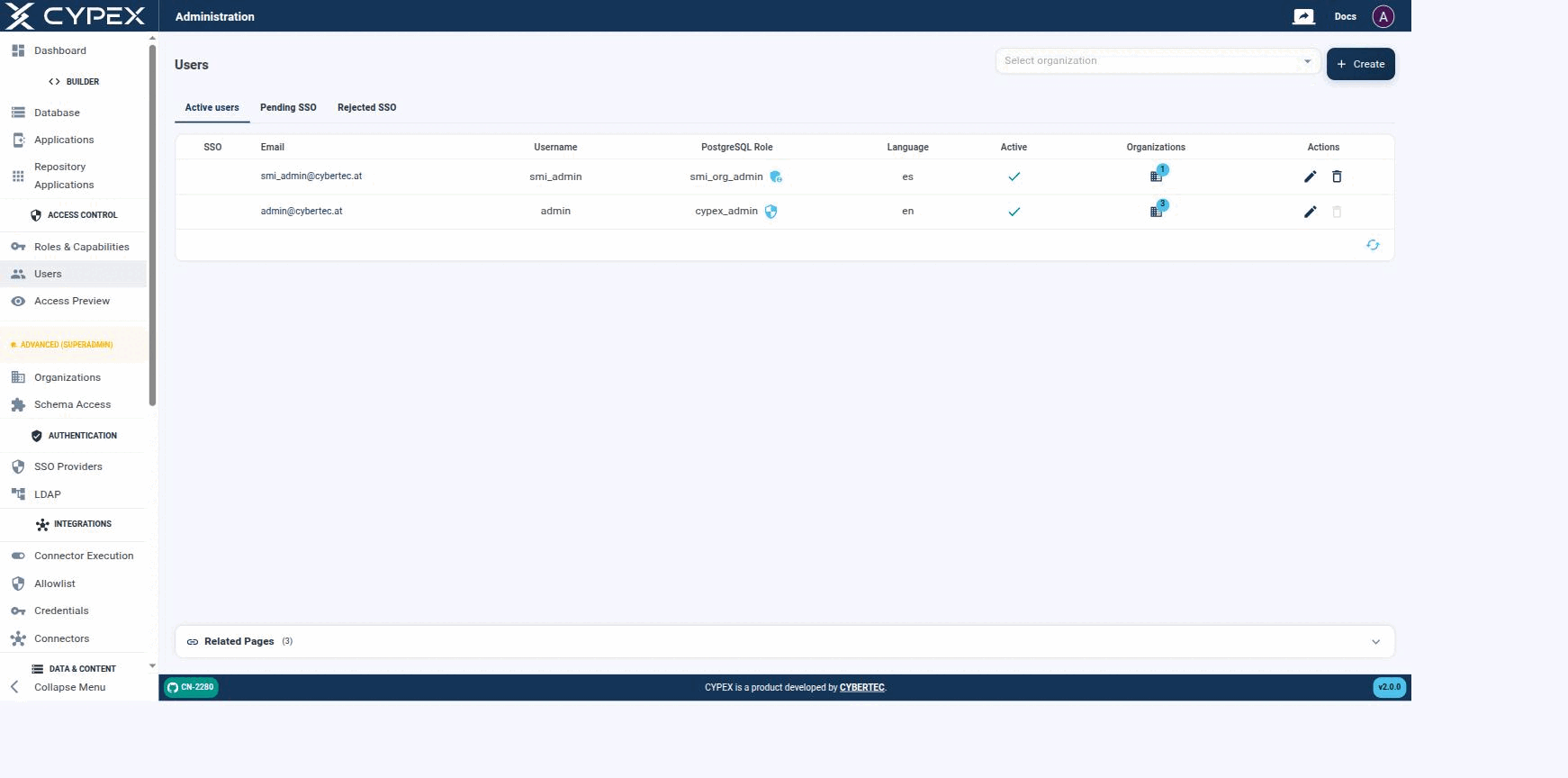
On the CYPEX side, users and roles are mapped to “login names”. This is done in the Users section of the admin panel:
Users
Active users, Pending SSO, and Rejected SSO tabs. Each row shows the PostgreSQL role, language, active state, and organization membership; use Select organization to filter by tenant.
InfoSSO-specific tabs (Pending SSO, Rejected SSO) and provider configuration are covered in their own section — see SSO Providers for provider setup, and Pending and rejected users for the full state diagram, admin approve/reject/un-reject actions, and audit trail behind these two tabs.
Also note that users are mapped to a database role. This is important, since the database role is what controls access to data — both what a user can do (capabilities) and, since v2.0.0, which organizations they can access. The login name (= email) is merely intended to handle CYPEX logins; permissions to data are managed on the lowest possible level (= PostgreSQL) to ensure consistency between the API, the app, and direct database access.