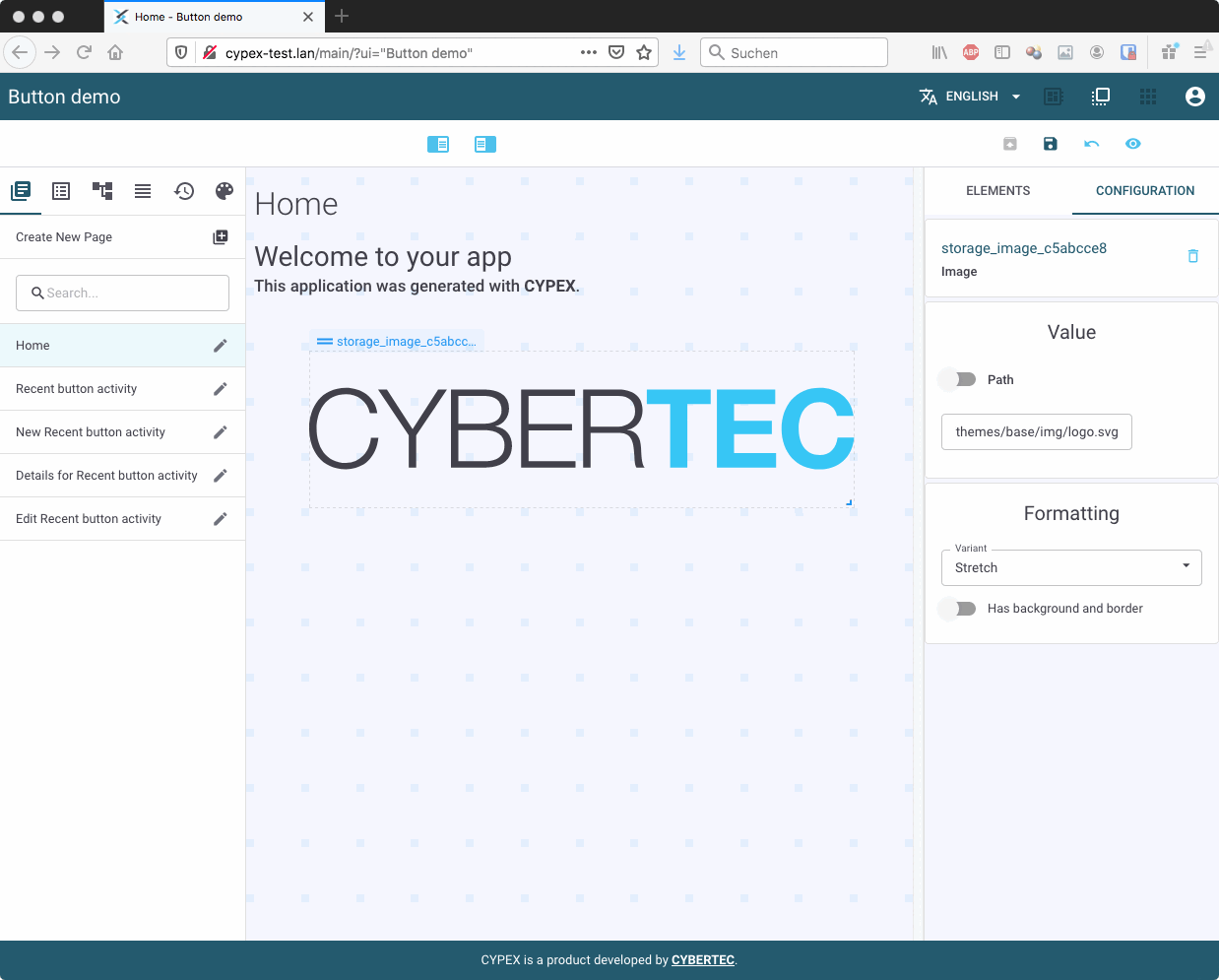
CYPEX supports the integration of external images. Add an image element to your desired page and click on the element for configuration: You may add the desired link to the image, resize the element and define whether the picture can be resized or stretched.
The next big feature of CYPEX we want to focus on is the ability to upload files. Files are stored in the database. Storing files in the database has always been controversial. However, in this case it is done to ensure that all data including the application itself can be saved using standard PostgreSQL backups. There is no need to back up the database, the application, and those files separately — everything is in the same backup. In addition, files are handled in a transparent manner which brings countless advantages if you are dealing with workflows.
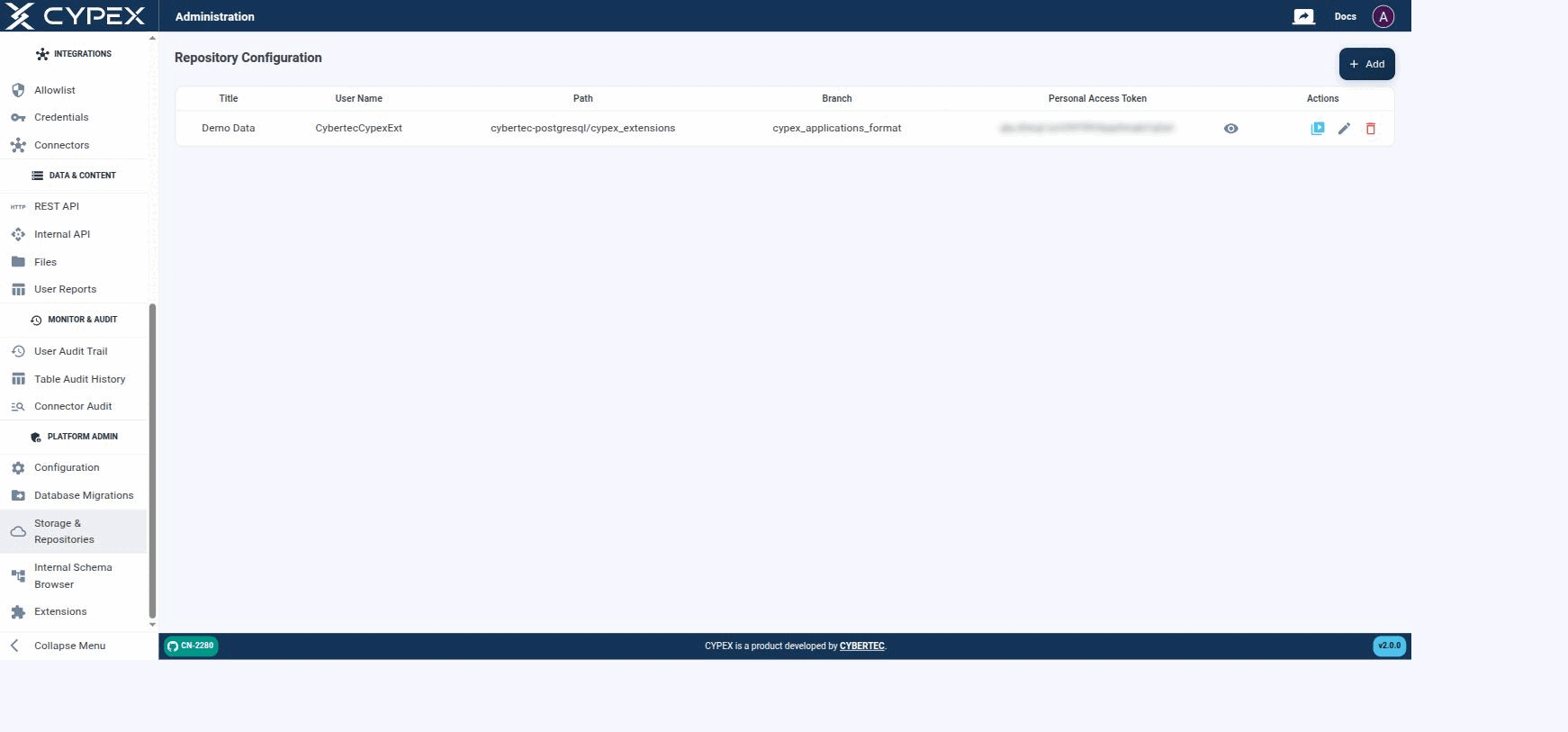
Under Platform Admin → Storage & Repositories, you define the Git repositories CYPEX uses to fetch extensions. Basically, you give CYPEX access to a Git repository which contains all of the extensions in a format accessible to CYPEX:
Repository Configuration
Configured repositories list their Title, User Name, Path, Branch, and a masked Personal Access Token. Actions let you test the connection, edit, or delete a repository.
The configuration is straightforward — add the Git data and test the connection. CYPEX is then fully connected and you can easily add extensions to the system as needed. Click + Add to open the form: