v2.0.0 is the release in which CYPEX becomes a multi-tenant PostgreSQL
application platform. Tenancy is a first-class object (Organizations),
isolation is enforced in the database (Row-Level Security), authorization
is two-dimensional (Capabilities × Data Scope), schema exposure is explicit
(Schema Access), identity can be federated (SSO Gateway), and outbound
integrations are governed (allowlist, credentials, enablement, audit).
Warning
This is not a drop-in patch. v2.0.0 changes the permission and tenancy model.
Read the Upgrade to v2.0.0
operator guide before planning a maintenance window, then the
Upgrading to v2.0.0
technical reference for the database detail.
RLS, role semantics, Schema Access, new service, route changes
Organizations
A CYPEX deployment can serve more than one tenant — an Organization — from
the same PostgreSQL database. Isolation is enforced by Row-Level Security in
the database, not by UI filtering.
This page is the operational counterpart to the conceptual pages in the Administration panel section. It targets operators standing up a CYPEX deployment for the first time.
v2.0.0 redesigns the login screen. This page describes it from the user’s side:
what you see, what to type, and what the messages mean. Administrators
configuring providers should start at
SSO providers (OIDC) instead.
The login screen
Two ways in, on one screen:
Username / Email and Password — sign in with your CYPEX account.
Or quick sign in: — sign in through your organization’s identity
provider (Google, Microsoft Entra, and others), if one is configured.
This page is the mandatory upgrade entry point for CYPEX v2.0.0. It is
written for operators who run CYPEX in production
and need a single walkthrough that covers every breaking change in this
release.
Audience. Read this end-to-end before opening the maintenance window.
It links out to detailed pages for each topic; follow every link in
the order presented.
What is changing in v2.0.0
v2.0.0 introduces seven platform-level changes. Each one is breaking or
behavior-changing for at least one class of deployment.
This is the hands-on companion to SSO (the architecture overview). It walks through adding a real provider, signing in through it, and approving the resulting user — using real screenshots captured against a Generic OIDC provider configured against Google, plus the JWT claim trace that applies to every provider identically.
Before you start
You need the Organizations administrator role for the target organization (or system admin).
The host running the SSO Gateway needs outbound HTTPS to the IdP’s discovery, authorization, token, and JWKS endpoints.
Register the CYPEX callback URL on the IdP side before you save the provider — the default is {app-origin}/auth/{providerType}/callback (e.g. http://localhost:4000/auth/oidc/callback in dev), and the gateway rejects a login whose stored callbackUrl doesn’t match the IdP’s registered redirect URI byte-for-byte.
Step 1 — Add a provider
Under Authentication → SSO Providers → Add provider:
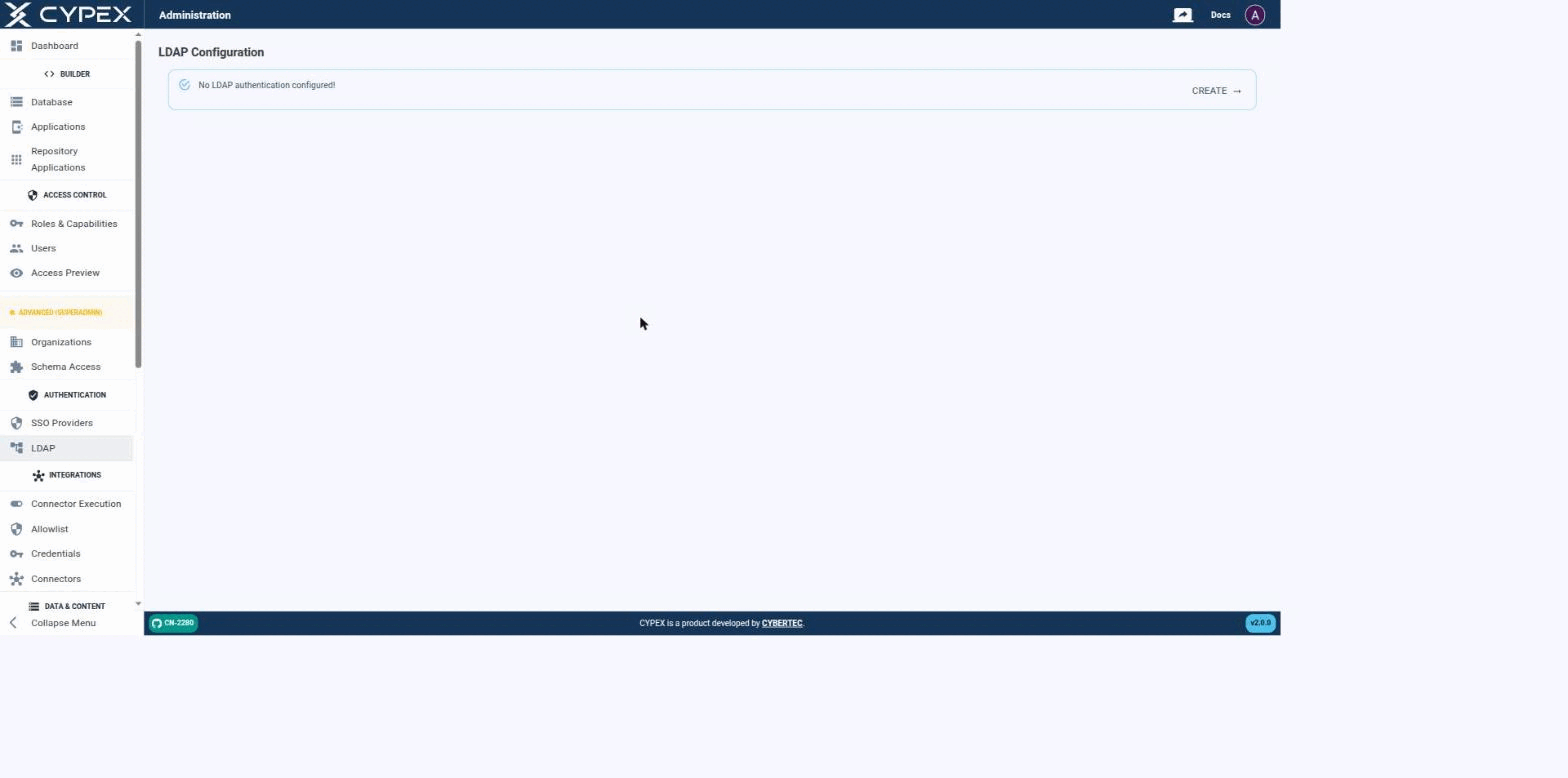
CYPEX authenticates users against an LDAP directory as an alternative to local (integrated) accounts — the same mechanism that backs Microsoft Active Directory, OpenLDAP, and any other LDAP v3 server. Before a connection is configured, the page simply confirms that no LDAP authentication is set up yet:
No LDAP authentication configured
Click CREATE to start the connection form.
Connecting to your directory
Fill out the connection settings to establish a connection between CYPEX and your directory:
Every SSO identity CYPEX has ever seen sits in sso_gateway.t_sso_user_map in exactly one of three states (sso_gateway.user_map_status): pending, active, or rejected. This page documents the full lifecycle — what moves a row between states, what each transition writes to the audit trail, and where to find evidence of a governance decision. For adding a provider and the first successful sign-in, see the OIDC setup guide.
States
State
Meaning
What a repeat login does
Pending
IdP authentication succeeded, but no t_sso_role_mapping rule matched and (if Auto-link by email is off, the default) no admin has reviewed it yet. cypex_user_id and cypex_role are both NULL.
Refreshes the captured profile in place, stays pending. The exchange returns 403 pending_approval — “Your account is pending administrator approval.”
Active
An admin approved or linked the identity, or a role mapping matched automatically. cypex_user_id and cypex_role are set.
Signs in normally; mints an access/refresh token pair like any other login.
Rejected
An admin explicitly rejected the identity. The row is kept (not deleted) — rejected_at, rejected_by, and an optional rejection_reason (≤200 characters) are recorded.
Blocked. The exchange returns 403 user_rejected — a deliberately generic “This SSO identity has been blocked. Contact your administrator.” The real reason and who rejected it never reach the browser; they’re in the audit trail only.
Users → Pending SSO and Users → Rejected SSO are the two admin-facing queues for the states above:
CYPEX federates login to an external identity provider in two ways. OIDC and OAuth2 logins go through a standalone SSO Gateway service; LDAP is handled inside CYPEX itself and does not involve the gateway. Both paths end the same way: a successful federated login issues a PostgREST-compatible JWT, and the organization and role claims on that token drive the same PostgreSQL Row-Level Security (RLS) policies as local username/password auth. There is no separate SSO security path.
Under Authentication → SSO Providers, this page configures which identity providers can sign users into an organization. For the full hands-on walkthrough — adding a provider, signing in, and approving the first user — see the OIDC setup guide.
SSO Providers
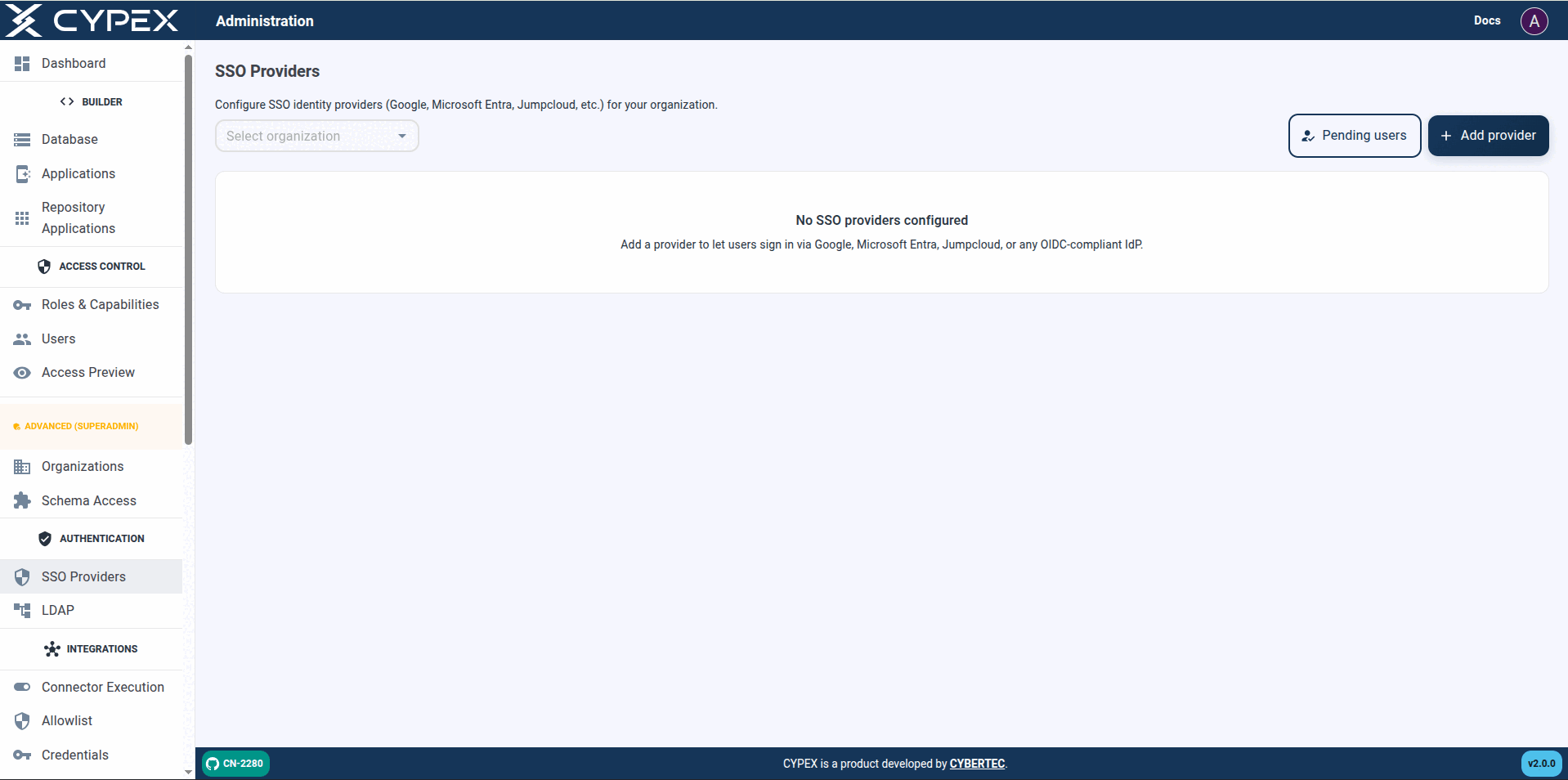
Select an organization, then Add provider. Pending users opens the same approval queue as Users → Pending SSO.
List screen
Filter by Organization — defaults to All organizations. With no
organization selected in contexts that require one: Select an
organization / Pick an organization above to list its SSO provider
configurations.
Pending users — opens the approval queue (same as Users → Pending
SSO).
Add provider — disabled until an organization is selected in the filter
when the create flow requires one (Select an organization in the filter
above before adding a provider.).
Empty list — No SSO providers configured / Add a provider to let
users sign in via Google, Microsoft Entra, Jumpcloud, or any OIDC-compliant
IdP.
Table columns — Name, Organization, Type, Client ID, Status, Last used,
Actions. Status is Active or Disabled; Last used shows Never
until the first successful sign-in.
This page has moved. See SSO → LDAP for directory connection settings, the three role-mapping modes, Active Directory notes, and how LDAP coexists with local auth and OIDC SSO.