CYPEX Documentation
Support
v2.0.0 Latest stable release View changelog ->

Signing in

v2.0.0 redesigns the login screen. This page describes it from the user’s side: what you see, what to type, and what the messages mean. Administrators configuring providers should start at SSO providers (OIDC) instead.

The login screen

Two ways in, on one screen:

  • Username / Email and Password — sign in with your CYPEX account.
  • Or quick sign in: — sign in through your organization’s identity provider (Google, Microsoft Entra, and others), if one is configured.

Login screen with the organization picker open

Read full post

Login Settings

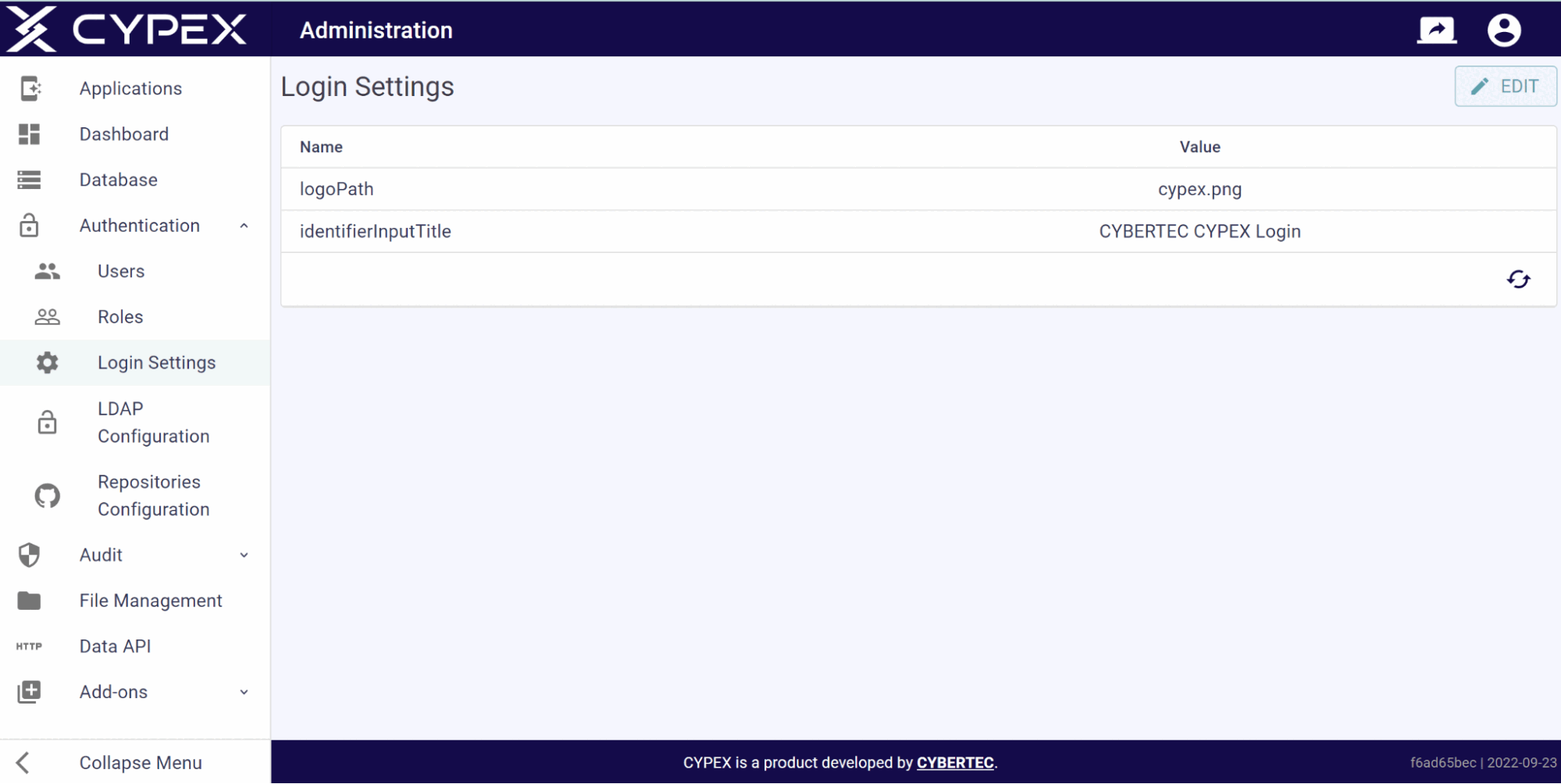
In Login Settings you define the logo shown during login:

Login Settings

Login Settings

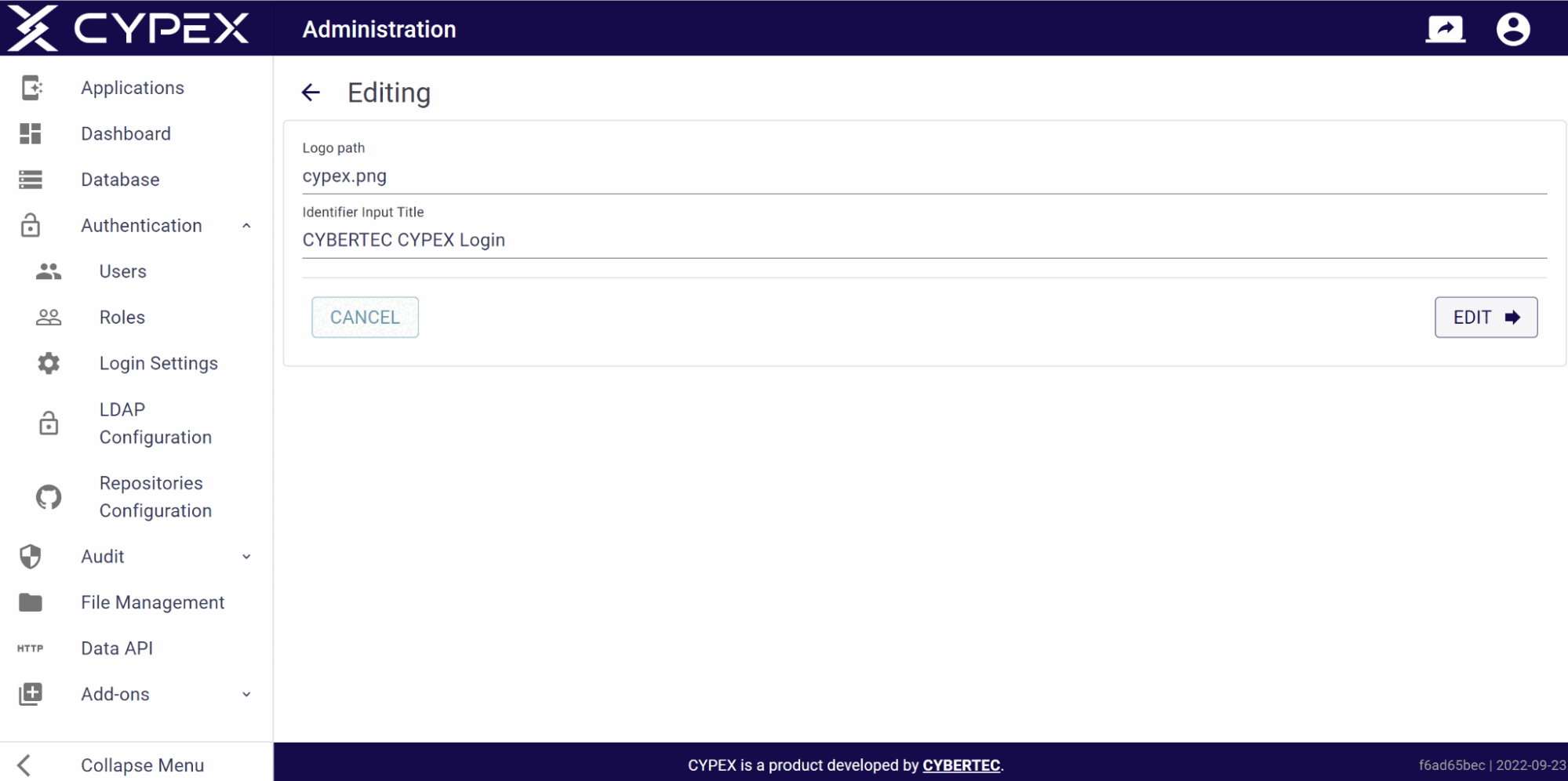
You can upload any suitable logo and easily change the name of the page to adjust CYPEX to your company CI’s needs. Note that the logo you are pointing to has to be in the public folder of your webserver:

Login Settings

These settings directly translate to the way the start page looks. The following screenshot shows what the default layout is like in the standard configuration shipped to customers:

Read full post