This page is the operational counterpart to the conceptual pages in the Administration panel section. It targets operators standing up a CYPEX deployment for the first time.
This page is the mandatory upgrade entry point for CYPEX v2.0.0. It is
written for operators who run CYPEX in production
and need a single walkthrough that covers every breaking change in this
release.
Audience. Read this end-to-end before opening the maintenance window.
It links out to detailed pages for each topic; follow every link in
the order presented.
What is changing in v2.0.0
v2.0.0 introduces seven platform-level changes. Each one is breaking or
behavior-changing for at least one class of deployment.
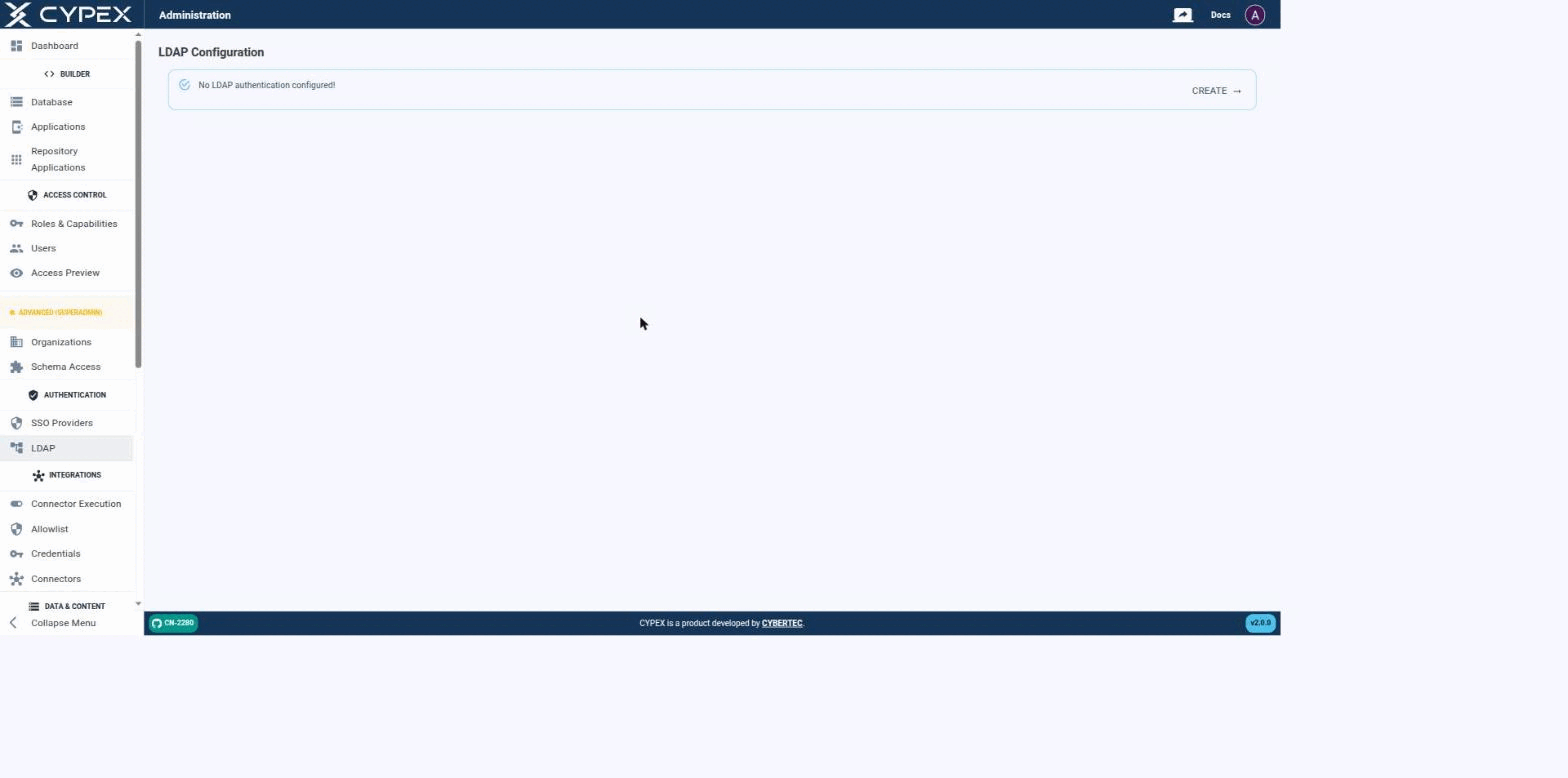
CYPEX authenticates users against an LDAP directory as an alternative to local (integrated) accounts — the same mechanism that backs Microsoft Active Directory, OpenLDAP, and any other LDAP v3 server. Before a connection is configured, the page simply confirms that no LDAP authentication is set up yet:
No LDAP authentication configured
Click CREATE to start the connection form.
Connecting to your directory
Fill out the connection settings to establish a connection between CYPEX and your directory:
This page has moved. See SSO → LDAP for directory connection settings, the three role-mapping modes, Active Directory notes, and how LDAP coexists with local auth and OIDC SSO.
A high level of protection must be assured of your data. We put great emphasis on security, and ensure that data is protected at all times. As part of that, our user management is based on a solid, well-tested user concept.
Understanding the CYPEX user concept
The first question we have to answer when talking about security is: “What is a user?”. Having a clear picture in mind is important to understand the big picture.