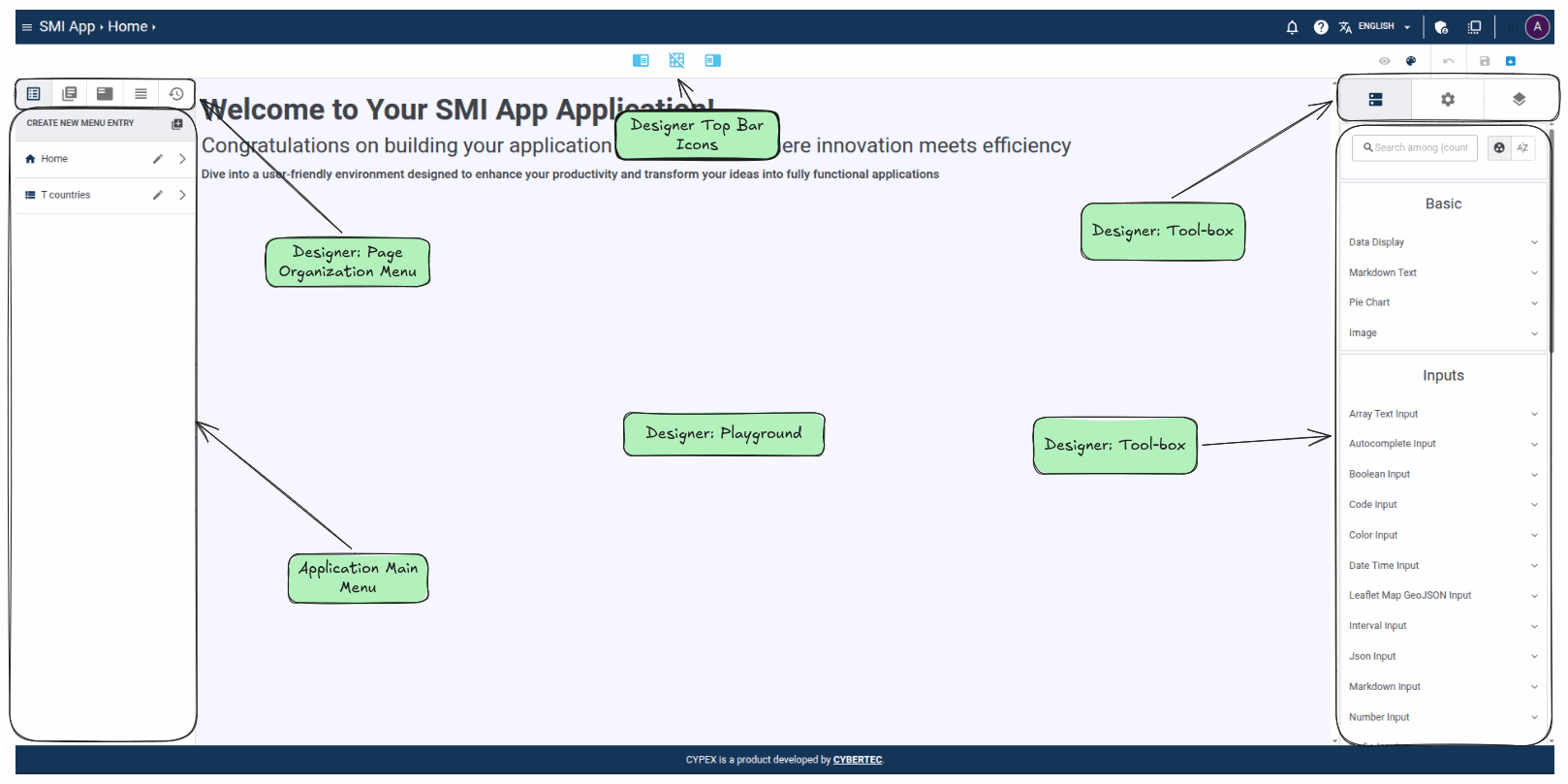
The CYPEX Application Designer is where you configure schema-driven application generation on the PostgreSQL Application Platform. It turns tracked tables, queries, and workflows into pages and elements you can adjust at low-code speed.
Let’s discuss these elements in more detail and see how they can be used.
Section: Main Menu - Menu Entries
The first element is the “menu editor”. It allows you to modify various aspects of the application. It’s of vital importance. It allows you to adjust your menu items. You can also handle software revisions. In this section, we’ll guide you through these features and explain step-by-step what can be done and which purpose these features serve to create even better apps.
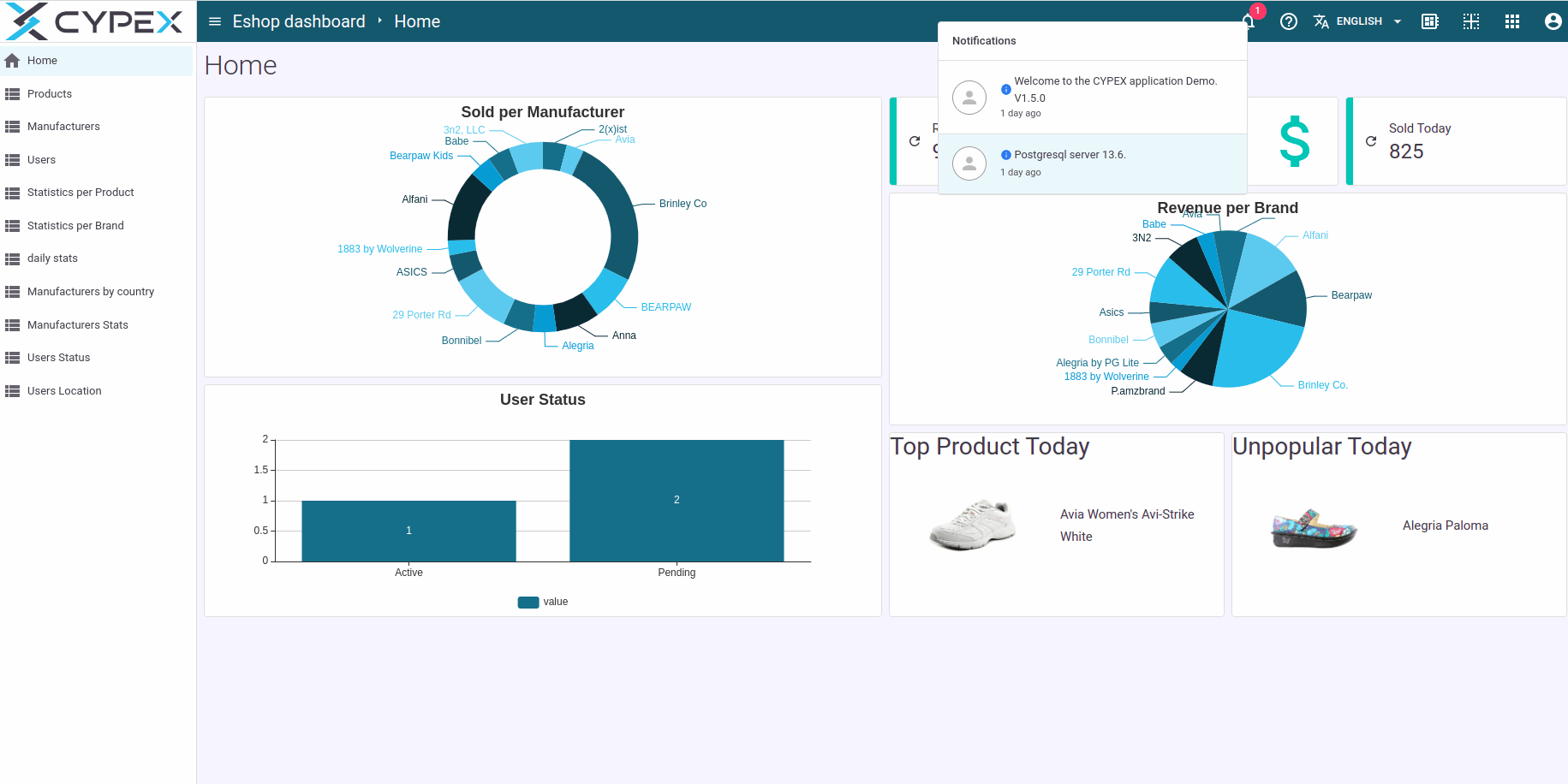
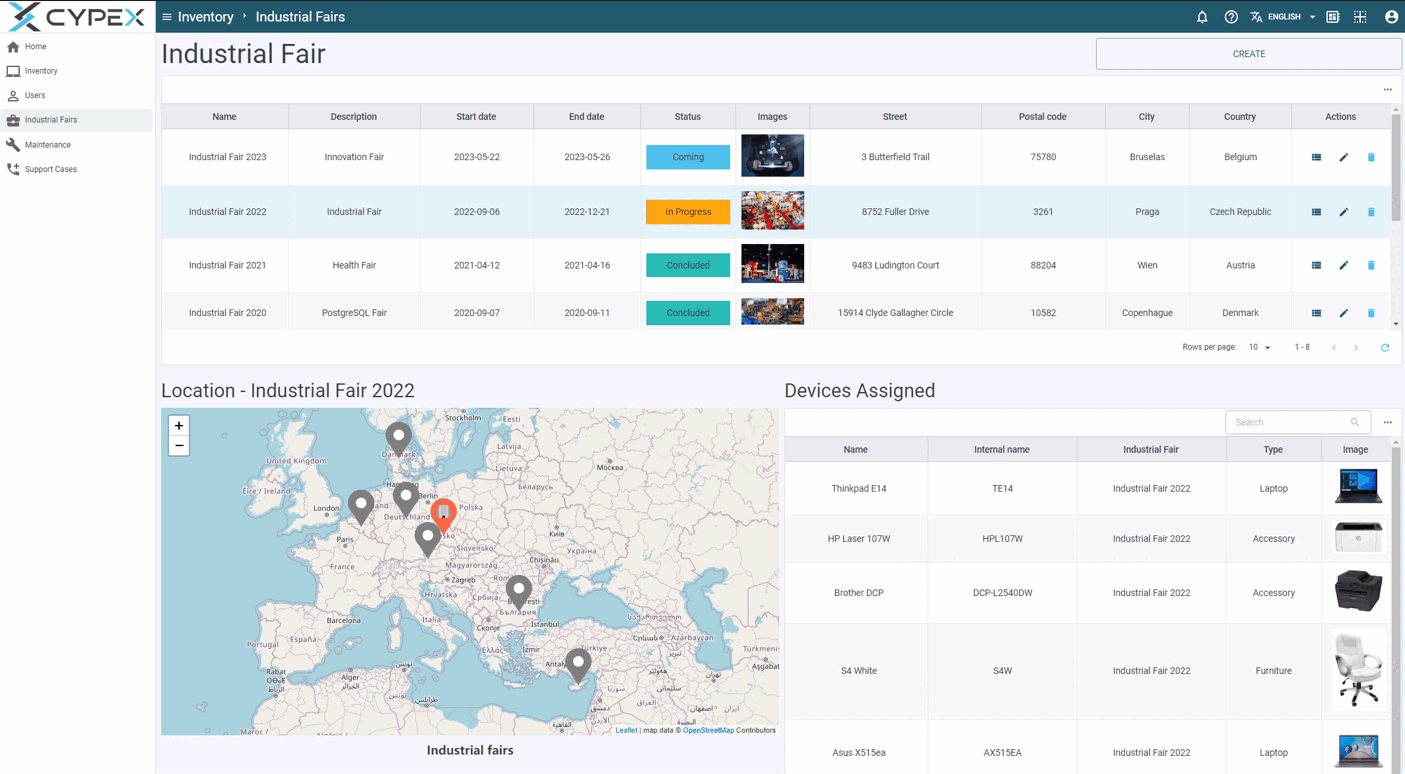
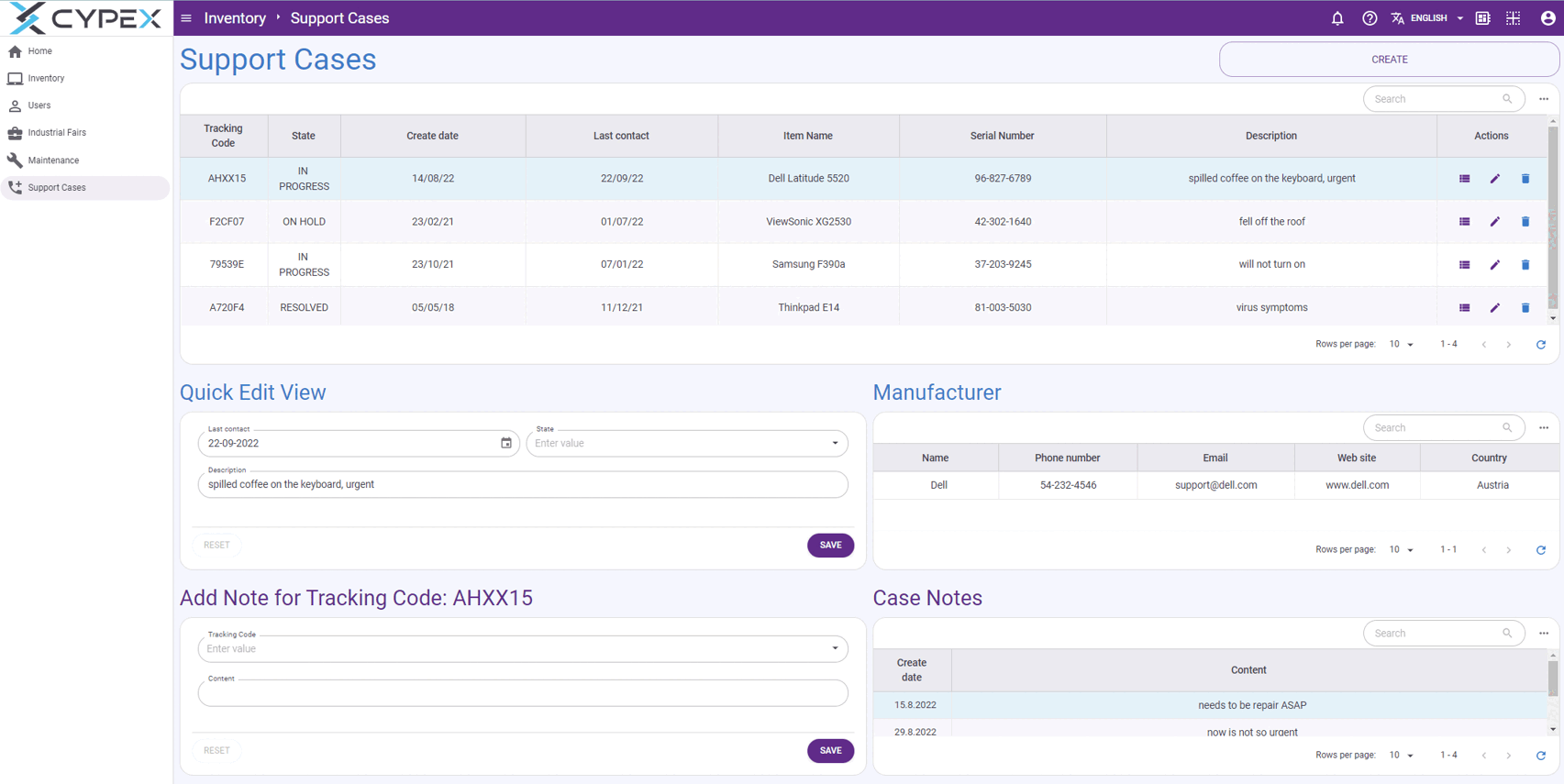
Apart from the menu entry which allows you to switch back to a prior version, you can also make other adjustments to your application. You can change colors, upload logos and set the way corners will be displayed. Below are some example screenshots of what’s currently possible:
Let’s come to a core concept of CYPEX: expressions. What you actually see in the GUI isn’t just some static field, but in fact, a JavaScript expression which can be modified. This gives you a great deal of flexibility and allows you to tailor the GUI to your needs. Using JavaScript expressions, you have great power at your fingertips.
However, most people aren’t heavy JavaScript users and therefore a lot of the more common tasks have been simplified by adding graphical shortcuts. One of these shortcuts was shown before: ID resolution. What the GUI element actually does is to modify the underlying JavaScript relation in the desired way.
A workflow in CYPEX is a state machine stored with your data model:
named states, allowed transitions, and which roles may fire each
transition. Once you enable enforcement, it is applied in the database —
a CHECK constraint on the state column plus a trigger that rejects any
transition you did not model, and checks the caller’s role against the
transition’s permissions. The UI only offers what the database would
accept anyway.